A desktop application for creating and streaming 2D avatars. Creators customize their own avatar without an artist, rigging software, or a commission.
- Role
- Owner and Product Designer
- Timeline
- 2024 - Present
- Skills
- Product StrategyUI | UX DesignDevelopment
Miniko makes creating a 2D streaming avatar accessible for creators who want to be live without showing their face. Instead of custom artwork or specialized tools, they build an avatar, customize it, and connect it to their streaming setup with face tracking and voice-reactive animation.
Finding the gap
Before Miniko, I spent three years running an Etsy store selling affordable digital assets for streamers: PNGtuber avatars, emotes, animated screens, and overlays. Creators kept DMing to ask if I could customize or modify an asset to fit their character. Many offered to pay extra.
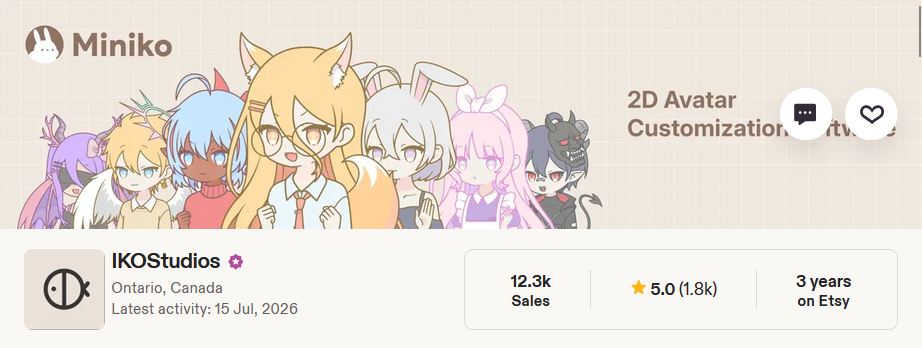
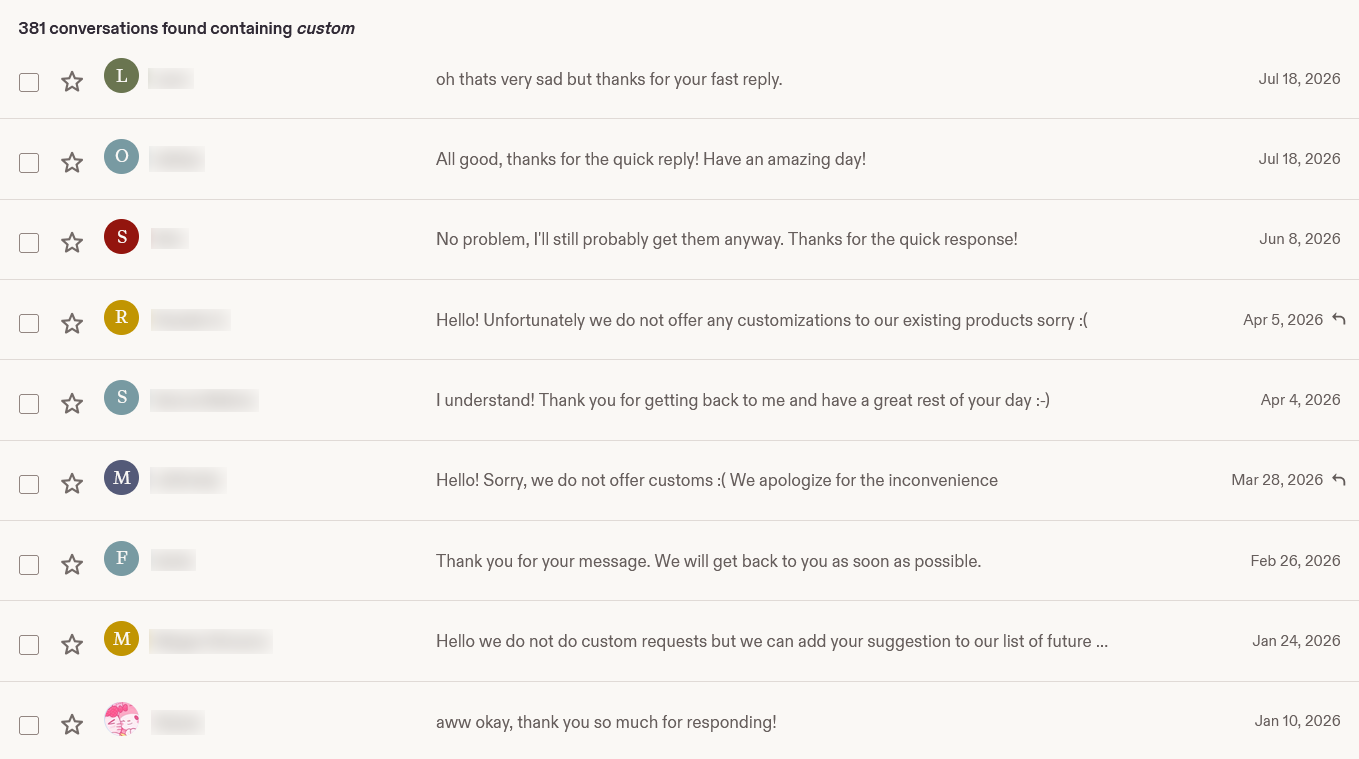
The requests revealed a gap. My products were affordable but fixed, and personalization meant a custom commission: anywhere from $40 to upwards of $450, and final once delivered. Creators wanted something of their own without that jump.
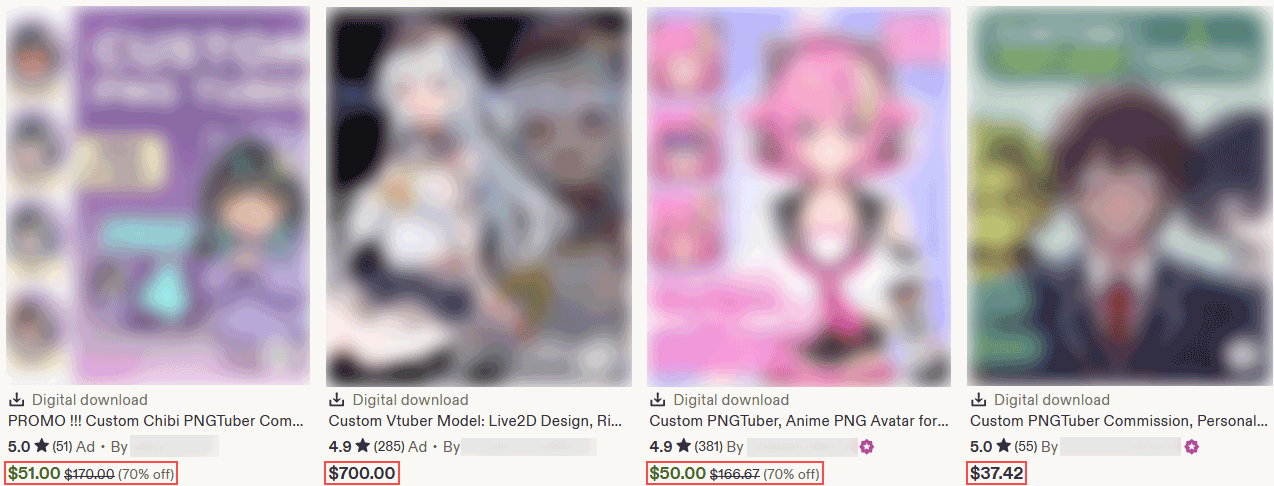
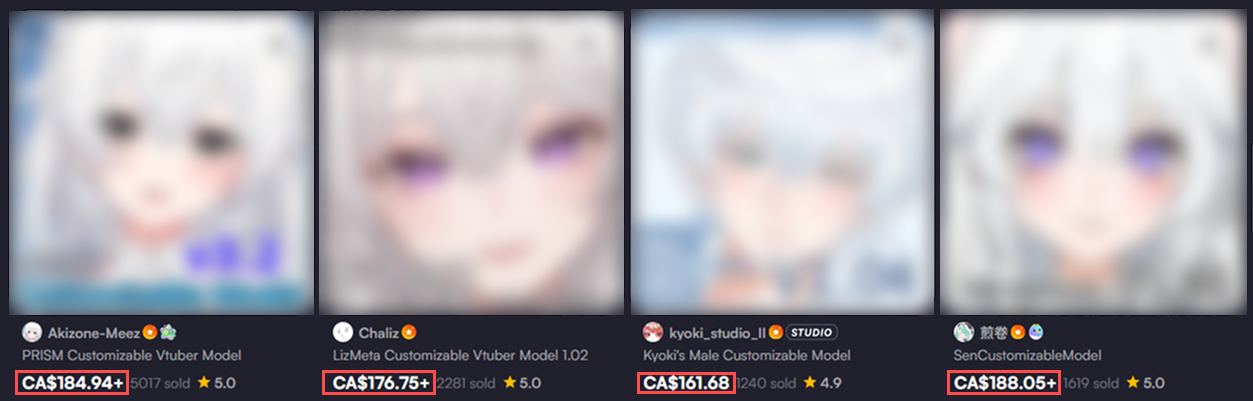
That made me wonder: what if creators could build and personalize their own 2D avatar instead? A tool they own can keep changing with them, instead of a commission that is final once delivered.
The work broke into three phases:
- Choosing the right pricing model
- Separating identity from expression
- Designing the tools that control the avatar
Phase 1: Choosing the right pricing model
The first build came together quickly, but one product decision shaped the experience more than any screen: how should creators get their assets?
Should assets be sold individually, or included with one purchase?
Free download, assets sold individually
- +Lower upfront cost
- +Creators buy only what they want
- +Supports new asset releases over time
- −Needs a storefront, pricing, and purchasing flow
- −Every asset becomes a purchase decision mid-creation
One purchase, everything included
- +One decision, then creators experiment freely
- +No storefront to build or maintain
- −Higher upfront cost
- −Caps revenue per creator, no recurring revenue
- −A full library at once can overwhelm
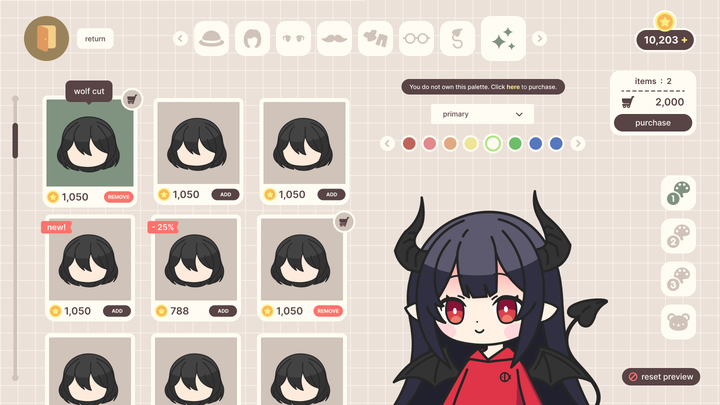
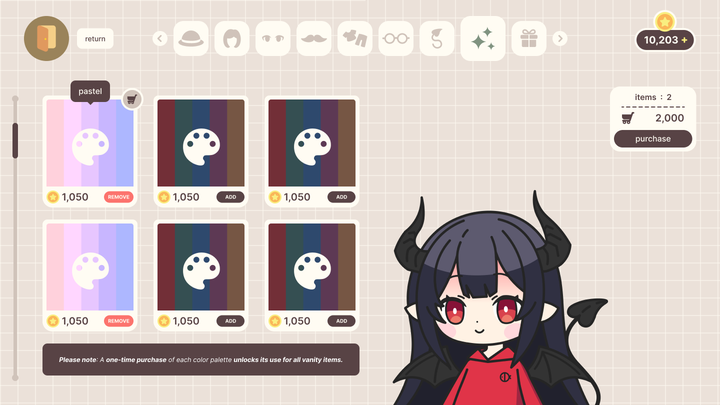
The assumption: selling assets individually would keep Miniko cheap to get into, and it matched how creators already bought assets from my Etsy store. Version 1 shipped first, which meant the app needed a shop.
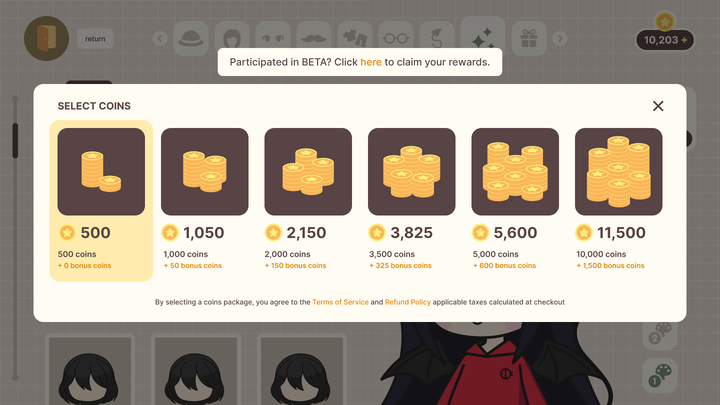
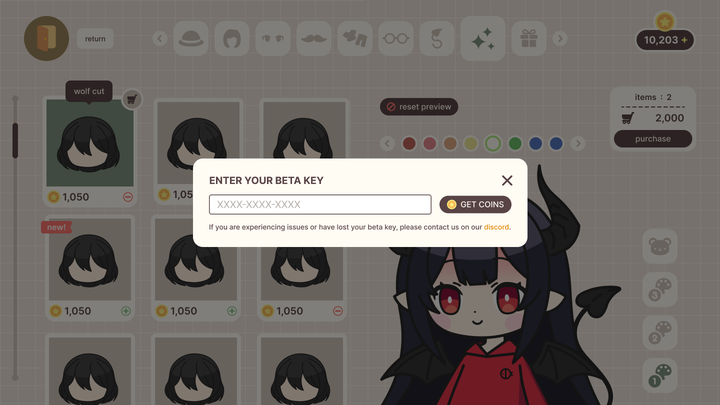
The shop reached deeper than pricing. It threaded through the information architecture: an in-game store, a coin balance, and purchase states woven into the customization flow. I released that version on Steam early to get it in front of real creators.
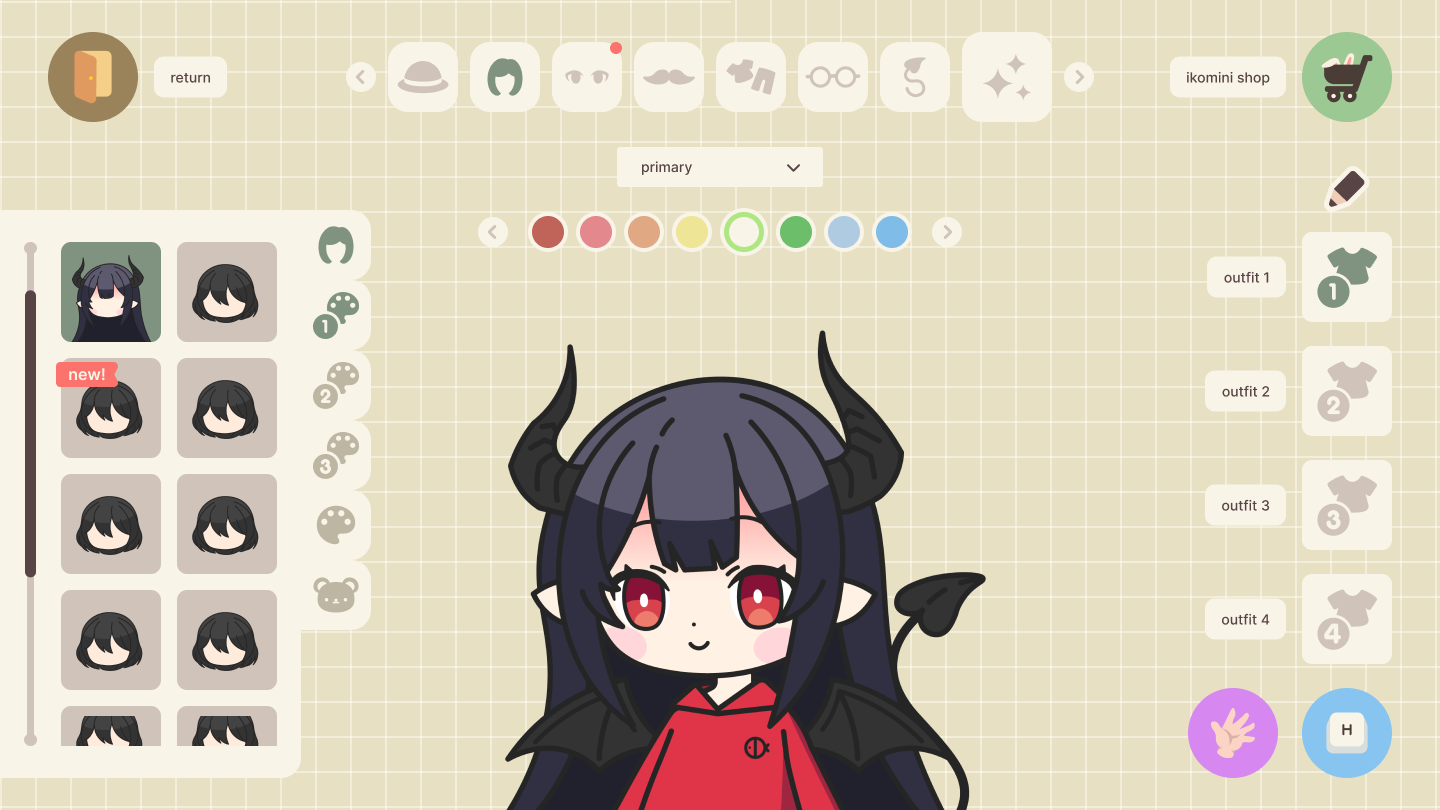
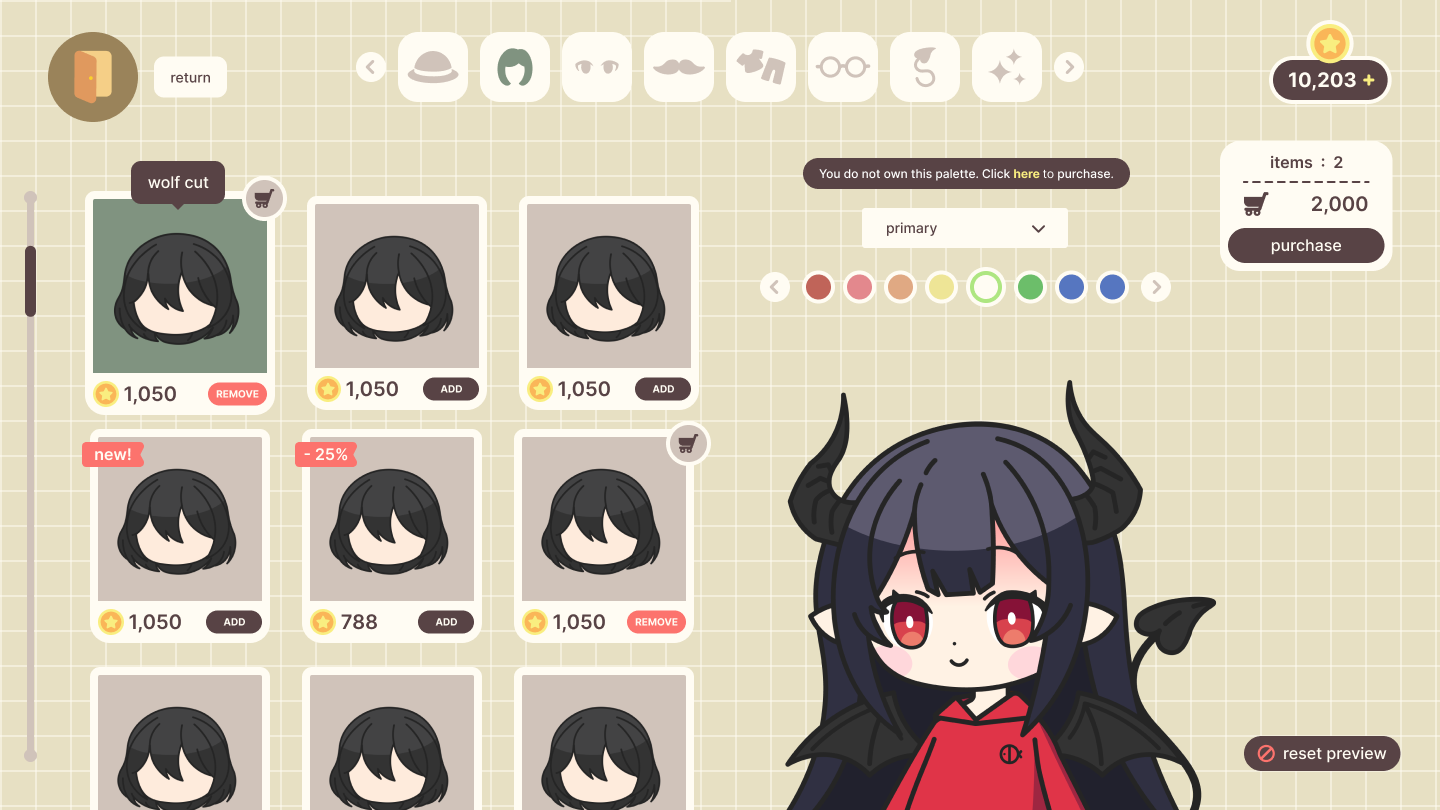
The feedback was quick and consistent: creators liked the tool but not paying for each asset.
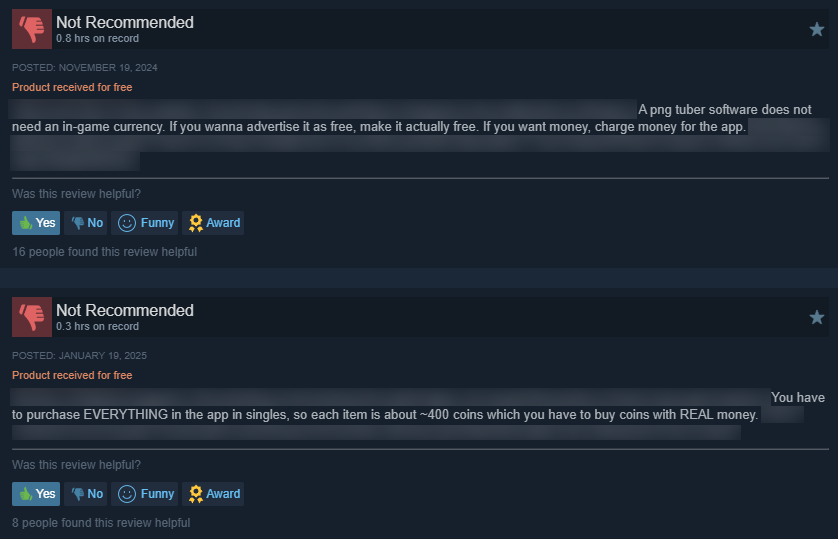
Paying for each part made customization feel transactional: every change became another purchase decision, at odds with the flexibility Miniko was meant to provide.
The change: one purchase, everything included
Version 2 removed the in-game shop entirely. Buying Miniko unlocks the whole asset library.
Removing the shop deleted the reason most of Version 1's screens existed. Twelve screens collapsed into a single editor, and customization became one workflow with live expression controls kept separate.
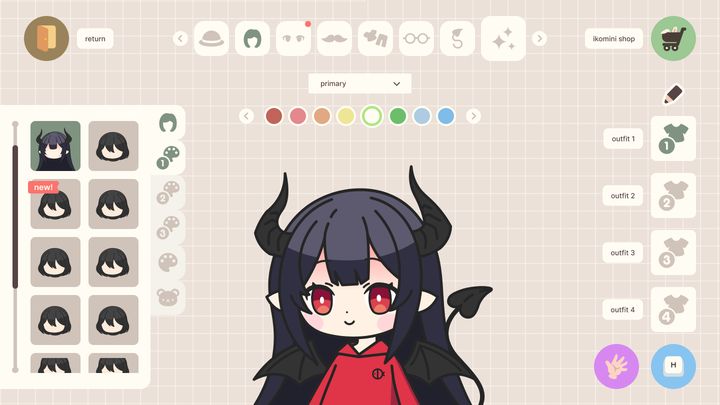
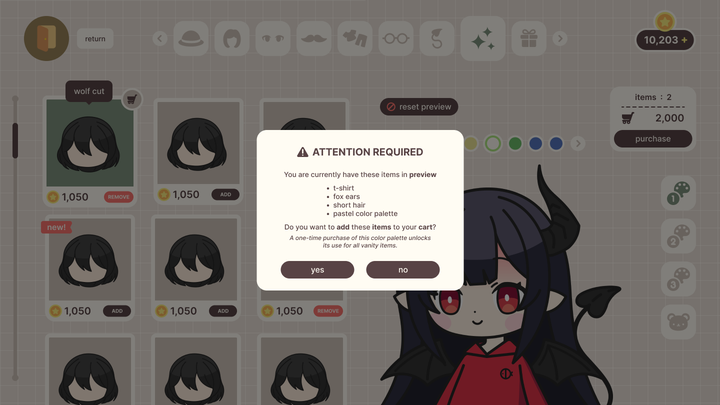
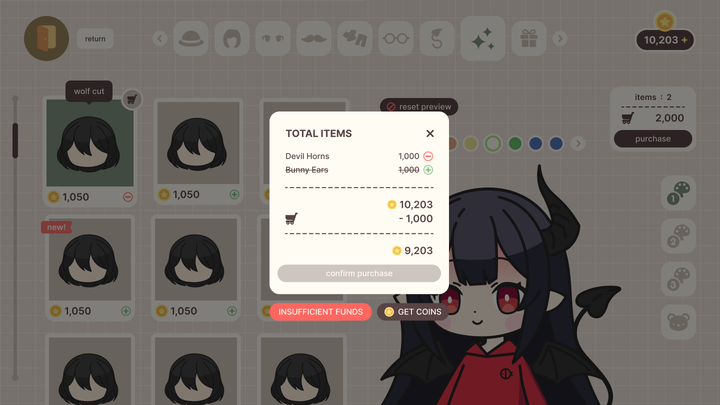
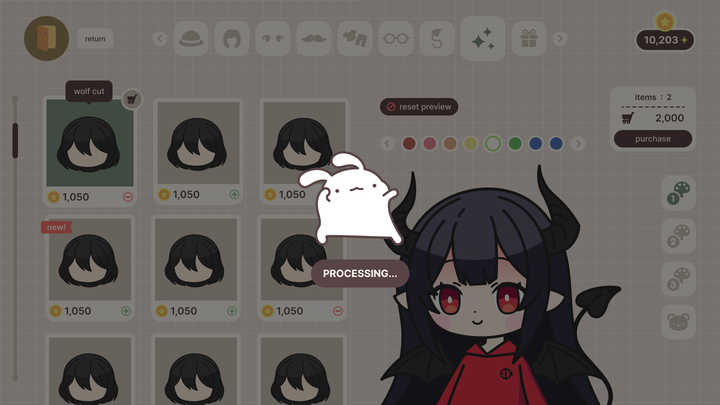
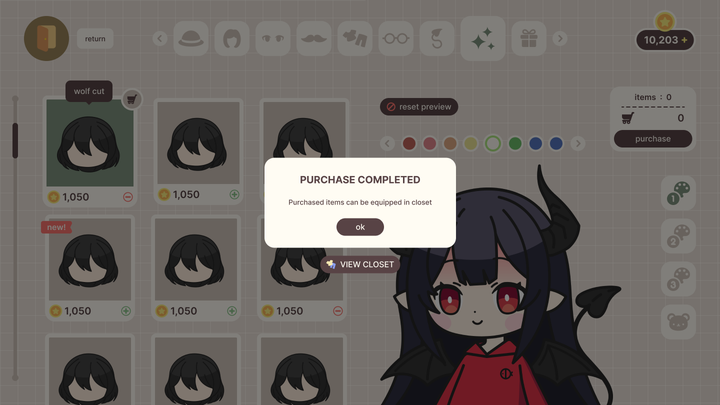
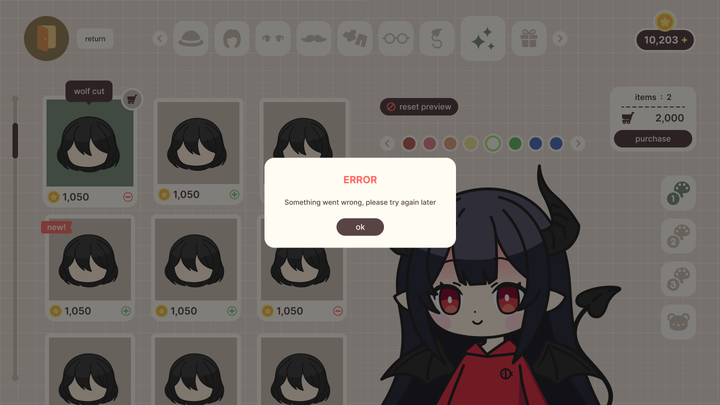
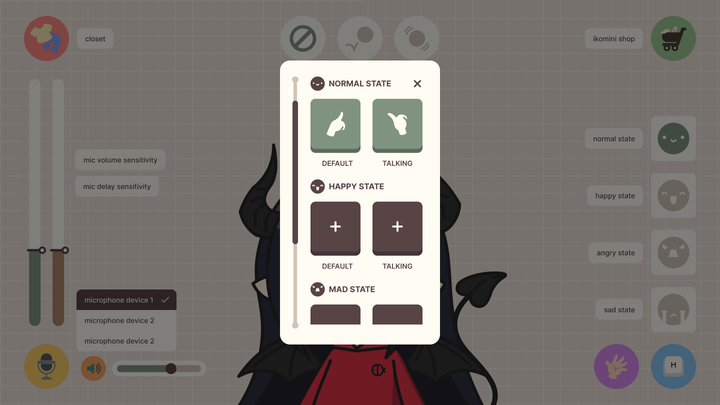
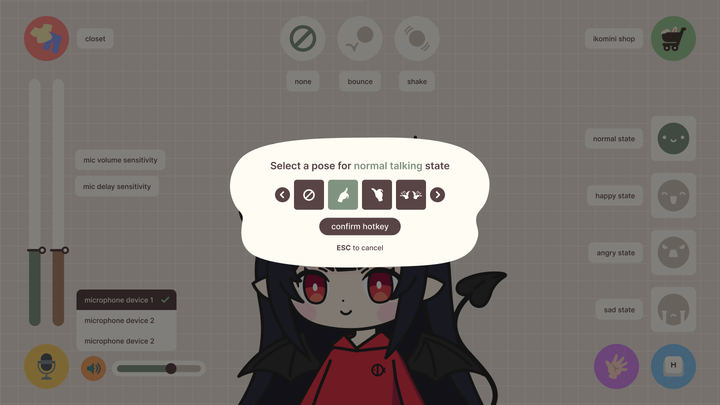
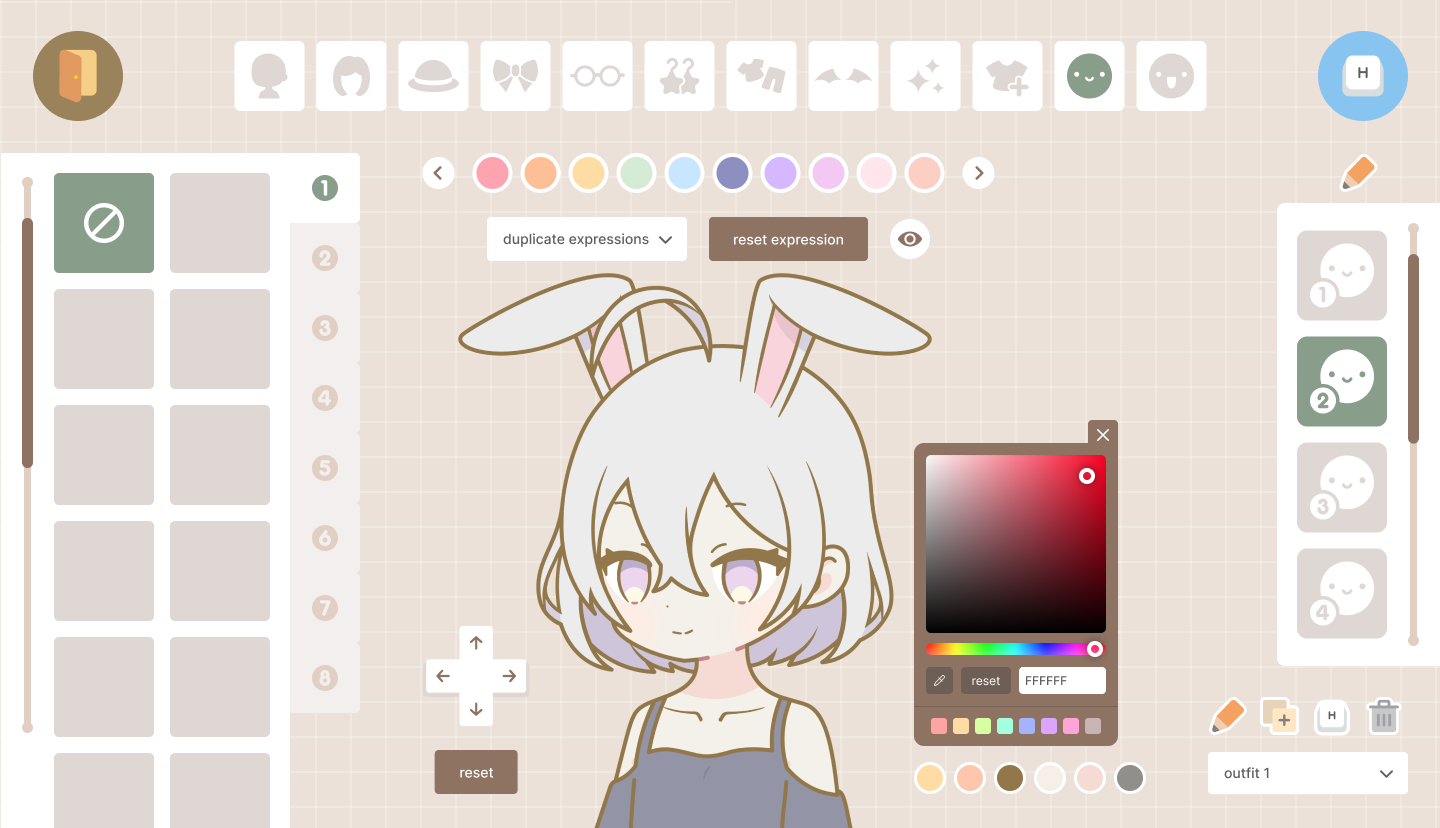
The change showed up in the numbers: Version 1 found 20 buyers, and Version 2 reached 100 within a month. It sells for $15 as a one-time purchase, while a single commissioned model starts around $40.
Phase 2: Separating identity from expression
The unified editor surfaced a principle: outfits are a creator's identity and change infrequently, while expressions are temporary and need to be instant while streaming. Both are customizable, so the question became how to separate the two.
They became two workflows: outfit customization stays focused on building the character, and expressions stay one tap away during a stream.

What you’re expressing. Driven live, by your face or a hotkey.
Who you are. Set once.
Phase 3: Designing the tools that control the avatar
There are two ways to control an avatar while live: your voice and your face. Both needed controls a creator can set up once and trust in front of an audience.
Voice input
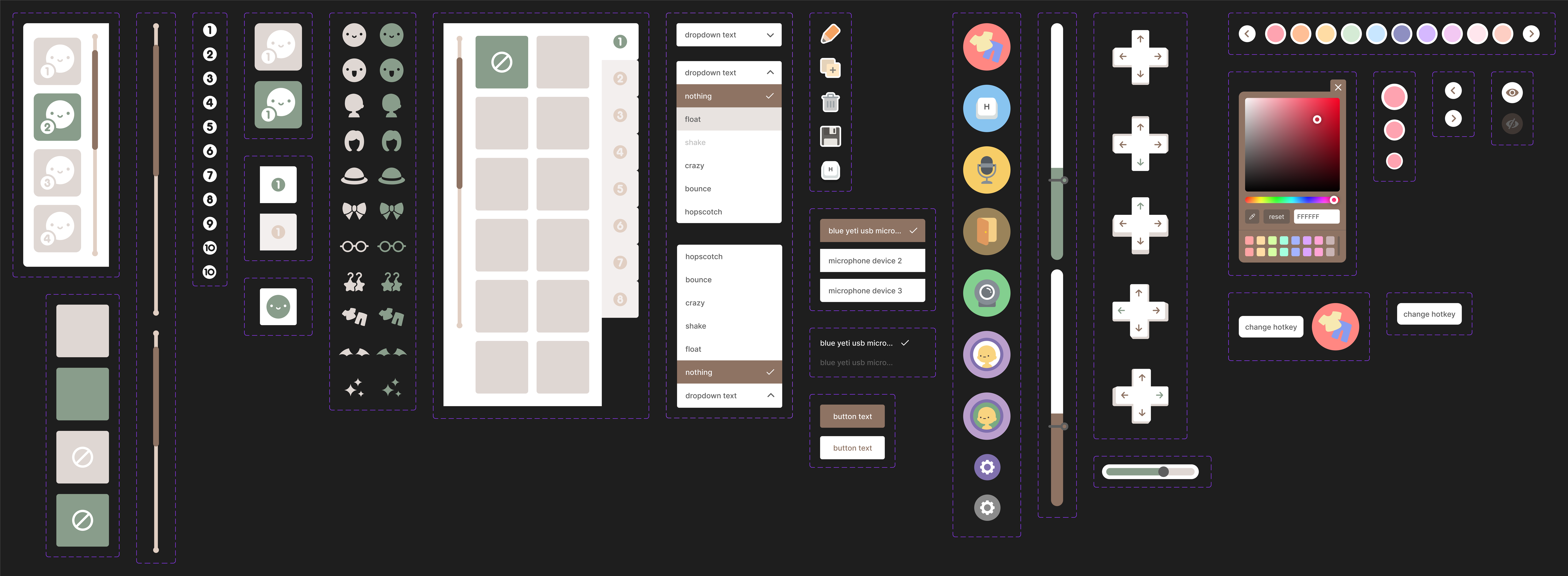
Voice reactivity drives the mouth, and sensitivity is a familiar interaction: Discord and OBS both ship input sensitivity controls creators already understand. I referenced those patterns and designed Miniko's own pair, one slider for mic sensitivity and one for how quickly the avatar reacts.


Face tracking
Face tracking had no familiar pattern to lean on, so it raised three questions:
- Where will face tracking and calibration live?
- How will it be enabled, and when should calibration appear?
- How will calibration handle different faces and cameras?
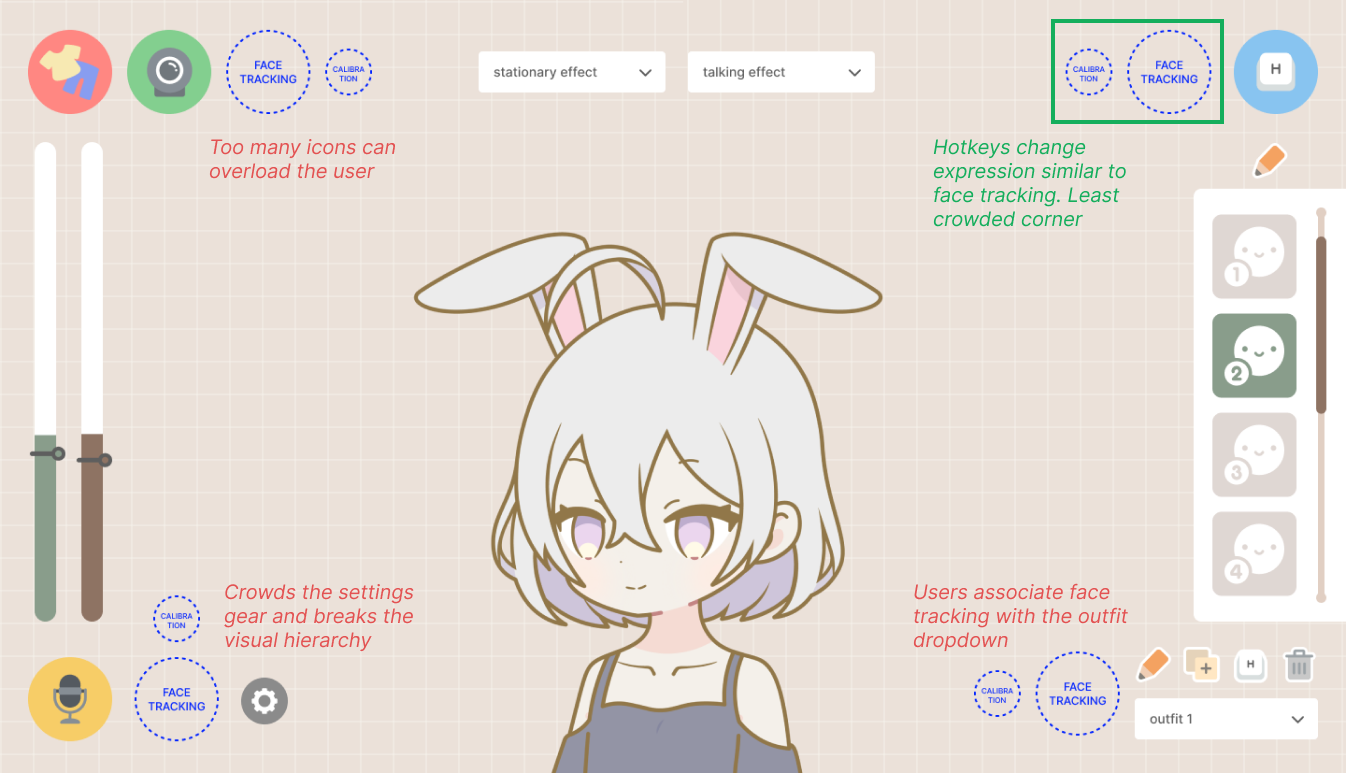
For placement I tried the toggle in every corner of the editor. The top left already carries the closet and webcam icons, so another icon overloads it. The bottom left crowds the settings gear and breaks the visual hierarchy. The bottom right belongs to outfits, the wrong association for a tracking control. The top right won: it sits beside the hotkey button, and hotkeys change expressions the same way face tracking does. The least crowded corner, and the closest neighbor in function.
Enabling it is one click: the icon itself is the toggle and fills green while tracking is on. The calibration gear slides out beside it, so setup appears exactly where the feature lives instead of hiding in settings.
Calibration is what makes the tracking personal. Instead of matching creators against a universal face model, Miniko captures their own expressions on their own setup: two captures per slot, one resting and one talking, so the tracker can tell the difference mid-sentence.
The first working dialog came straight from the build process, and it read like it: engineering terms like "CV tracking", unlabeled slots, and controls nobody asked for. I audited every element and set rules for the redesign.
The audit set the rules:
- Keep the capture mechanics, two captures per slot with redo and delete
- Keep the component hierarchy consistent and restyle everything to Miniko's visual theme
- Cut engineering terms, irrelevant actions, and any UX pattern the app doesn't already use
I iterated on the dialog in my Discord server for streamers, and the feedback pointed at hardware: creators wanted to choose which camera calibration uses and control how long each capture takes. Both made it into the shipped dialog.
Where it landed
Miniko evolved from a simple avatar customization tool into a complete workflow for creating and using a 2D streaming avatar. Along the way, the biggest product decisions were rarely about a single screen. The pricing model reshaped the architecture, customization split from live control, and the tools that drive the avatar had to work on whatever hardware a creator owns.
- 20 → 100
- Buyers from Version 1 to Version 2, in one month
- 12 → 1
- Screens consolidated into a single editor
- $15
- One-time purchase, against $40+ commissions
What I took away
A pricing model is an architecture decision
Switching to one purchase did not just change the price. It deleted the shop, collapsed twelve screens into one editor, and restructured the whole product.
Understand the community and its economy
Three years of selling to streamers, plus their DMs, reviews, and Discord feedback, showed what creators value and what they will pay for. Every major call in Miniko traces back to that.
Spend invention where it counts
Voice sensitivity borrowed patterns creators already knew from Discord and OBS. That saved the invention for face tracking and calibration, where no familiar pattern existed.
Design for equipment you do not control
Every creator streams on a different camera, mic, and lighting. Calibration captures their real setup and sensitivity controls tune to it, so the product absorbs the variance instead of the creator.